Accessing Buraq's Tools
Buraq uses one login for everything — Authentik, our identity provider. You'll get one account from an admin, and use it to reach every tool below. There's no separate signup for Plane or Mailcow.
Your account
An admin will send you:
- A login URL (
auth.buraq.games) - Your username/email (
firstname.lastname@buraq.games) - A one-time password
Treat that password as temporary — the first thing to do after logging in is change it (see Change your password below).
Logging in
-
Go to
https://auth.buraq.games.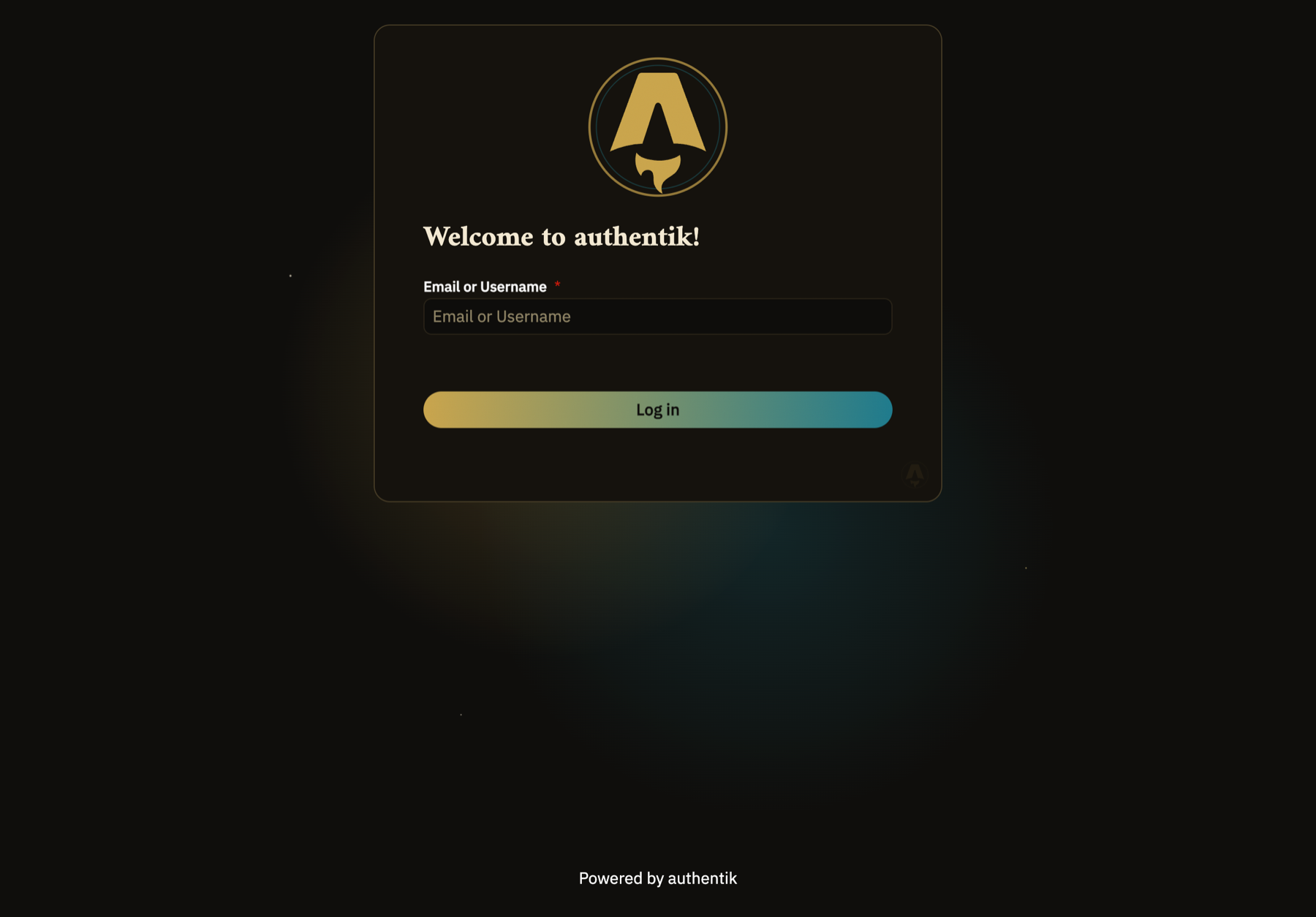
-
Enter your
@buraq.gamesemail, then your password on the next screen. -
You'll land on My applications — every tool you have access to shows up here as a tile.
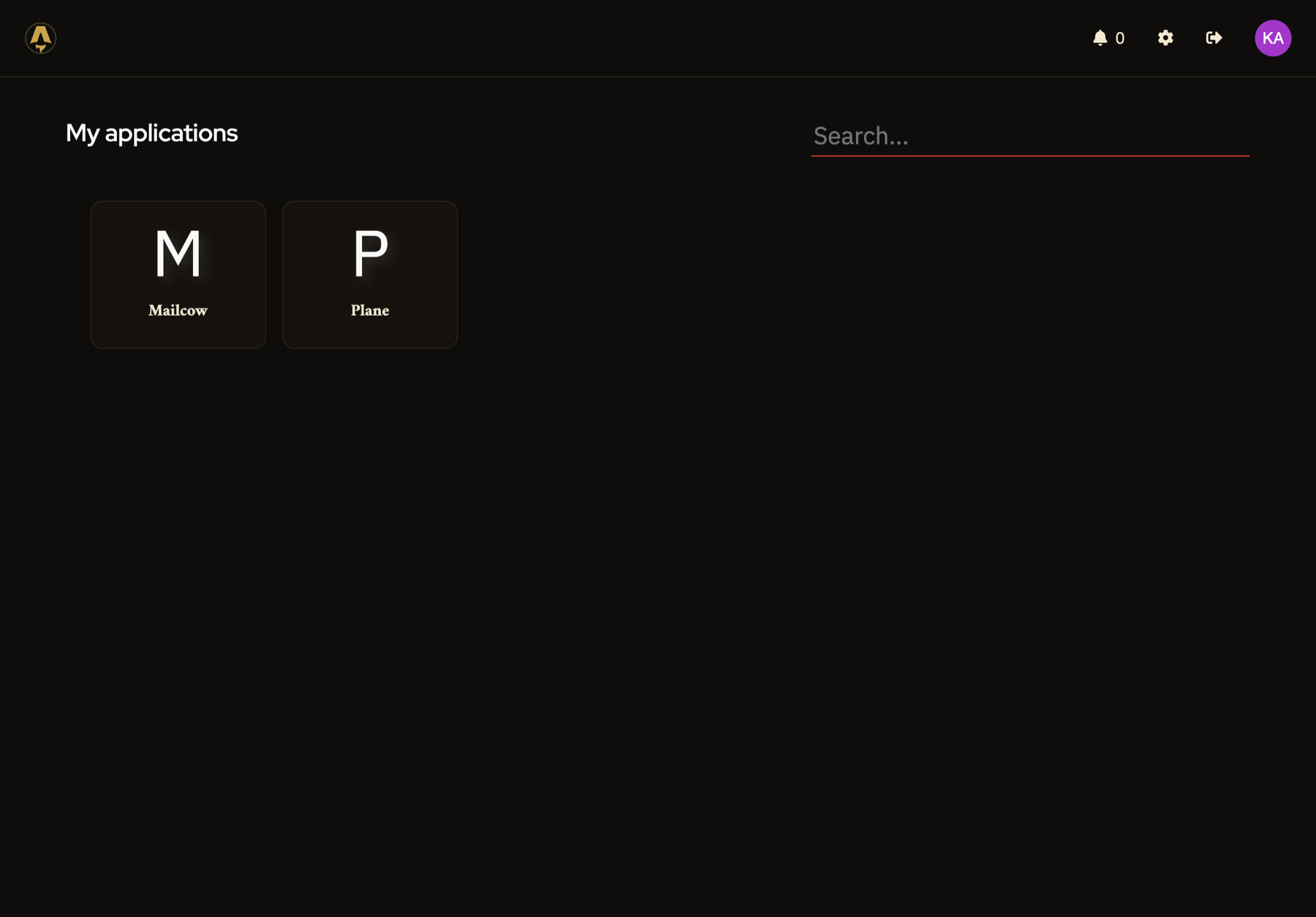
That's it — one login, and anything you're allowed to use appears on this page. If a tool you expect isn't listed, ask an admin to check your access.
Opening Plane
Click the Plane tile (or go straight to https://plane.buraq.games).
You'll see a "Sign in with Authentik" button — click it, and since you're
already logged in to Authentik, it signs you straight into Plane with no
second password.
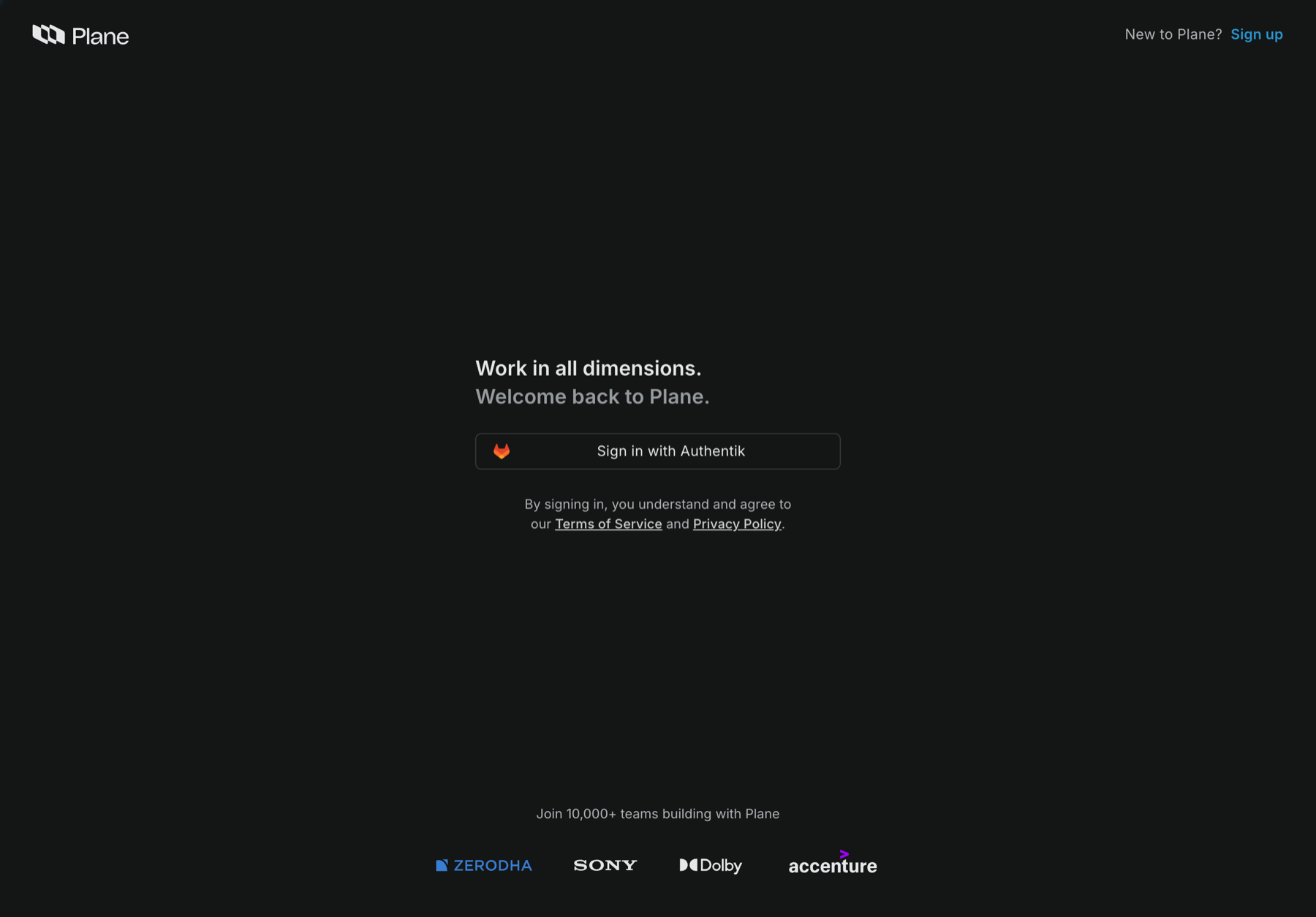
This lands you in the Buraq workspace:
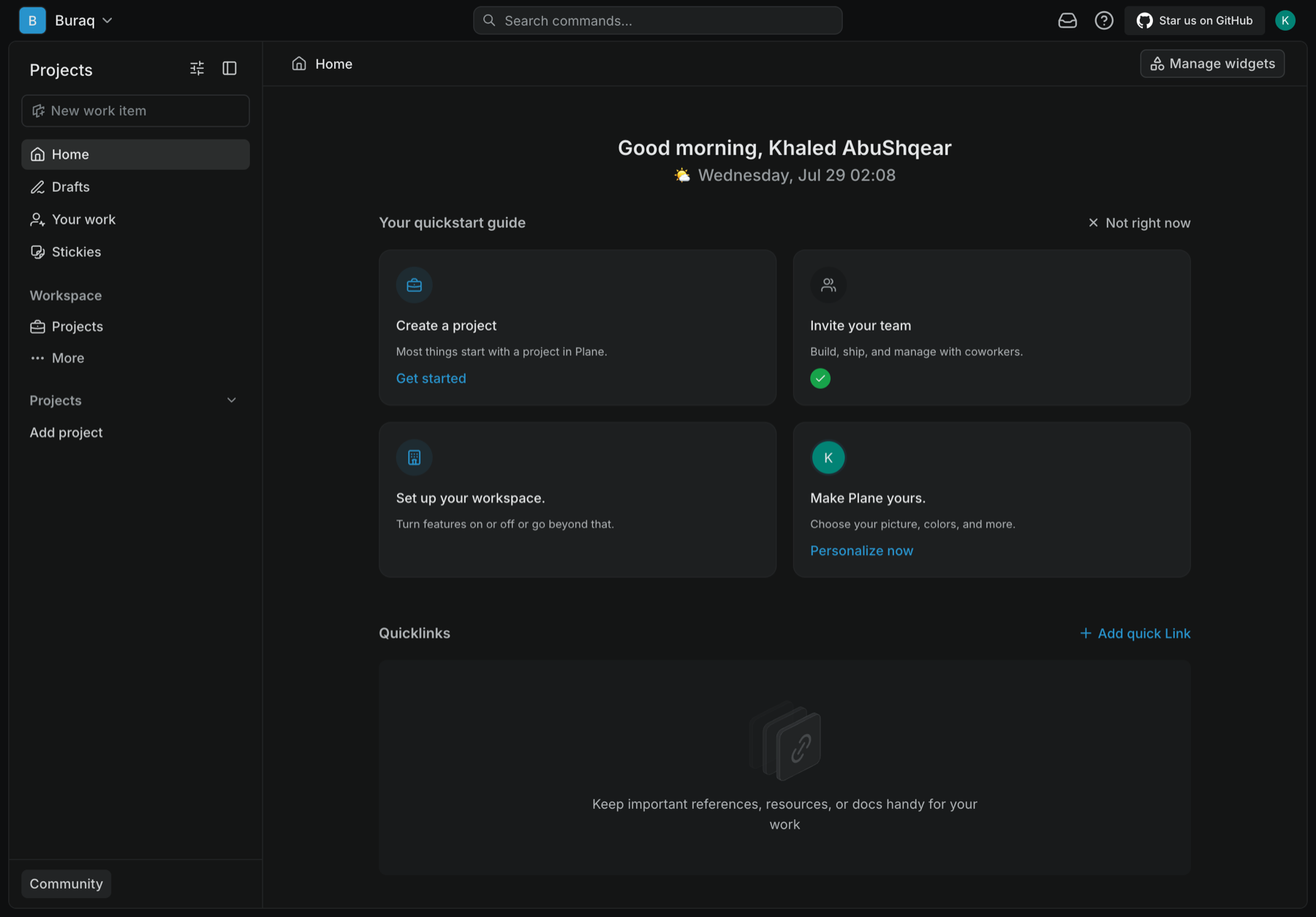
From here, see Using Plane for how we track sprints, tasks, and bugs day to day.
First login only
If you land in an empty workspace that isn't called "Buraq," that's a known issue with a new account's very first login — message an admin and they'll move you into the right workspace.
Opening Mailcow (email)
Click the Mailcow tile (or go to https://mail.buraq.games) and click
Single Sign-On.
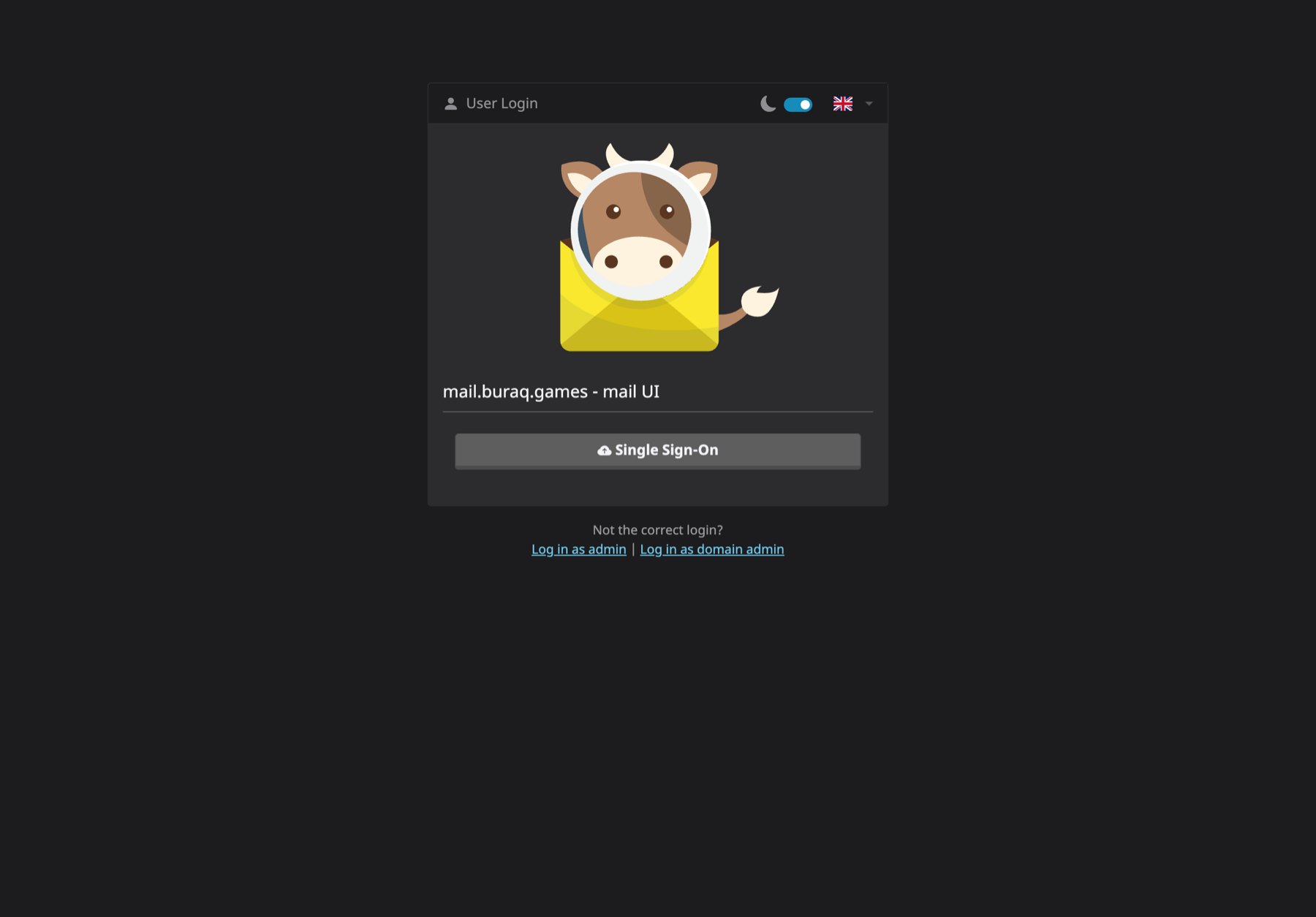
Your @buraq.games mailbox is created automatically the first time you do
this — no separate request needed.
Opening Gitea (engineering only)
Click the Gitea tile (or go to https://git.buraq.games) and click
Sign in with authentik. Gitea is engineering-only, so this tile only
shows up if you're in the engineering squad or admins.
There's no password login here — Gitea is SSO-only, same as Plane. Your
first login creates your Gitea account and drops you into the buraq
organization automatically, with no separate invite. See
Using Gitea for cloning, CI, and the tea
CLI.
Change your password
Once logged in to Authentik, go to your account settings and set a password only you know. The one an admin sent you was generated for setup only.
If you're locked out
There's no self-service "forgot password" yet. Message an admin and they'll reset it for you.